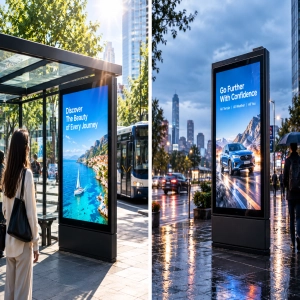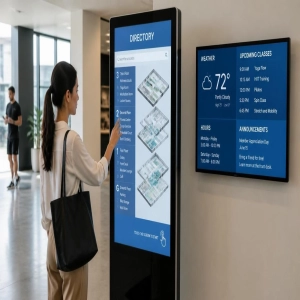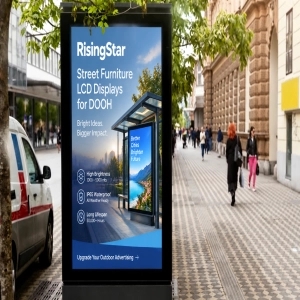
A single hospital campus requires 40 digital displays. The emergency entrance screens face blinding, direct sunlight. The indoor corridor directories sit under harsh fluorescent tubes. Meanwhile, the self-service registration kiosks endure over 4,000 high-impact touches a day from hands covered in aggressive chemical sanitizers.
One display specification cannot cover all three. Standardizing on a single hardware configuration means half of your infrastructure is engineered to fail.
At RisingStar, we design and manufacture industrial LCD solutions specifically to eliminate these multi-environment vulnerabilities. In commercial and public signage, selecting a RisingStar® open frame display is about balancing seamless architectural integration with extreme environmental survival.
This comprehensive deployment guide maps critical hardware specifications across four high-traffic environments—demonstrating how RisingStar’s industrial engineering standards ensure zero-downtime performance where generic hardware cuts corners.
Quick Answers — Wayfinding Open Frame Displays
What is an open frame display in wayfinding?
An open frame display is a bare-panel LCD module shipped without an outer housing. System integrators mount it directly into custom kiosk enclosures — no plastic bezel, no stand. The metal chassis serves as both the structural frame and the heat sink, keeping the kiosk profile thin and the thermal design simple.What brightness does a wayfinding display need?
500–700 nits for controlled indoor lobbies. 1,000–1,500 nits for glass-roofed atriums and bright concourses. 2,500–5,000 nits for outdoor installations in direct sun. Semi-outdoor deployments (street-facing windows, covered walkways) run 1,500–2,500 nits.Why open frame instead of a finished monitor?
Three reasons: flush-mount integration with no bezel-to-enclosure gap; 3–5 year model availability instead of the 12-month consumer EOL cycle; and customizable mounting patterns, connector positions, and touch firmware that match the kiosk's internal layout exactly.Who manufactures open frame displays for wayfinding projects?
RisingStar has produced open frame displays for wayfinding and digital signage applications since 2009. ISO 9001-certified manufacturing, Hi-Tni panel technology (≥110°C clearing point), PCAP touch integration, optical bonding, and complete OEM/ODM customization — from design review to volume delivery.
What Is an Open Frame Display?
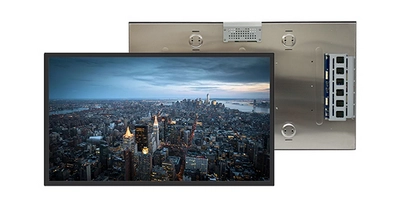
An open frame display is a bare-panel LCD module built for embedded integration. It ships without the plastic housing found on consumer monitors — exposing the LCD panel, metal mounting frame, controller board, and interface connectors. This stripped-down format gives kiosk designers complete control over the final look while saving internal space.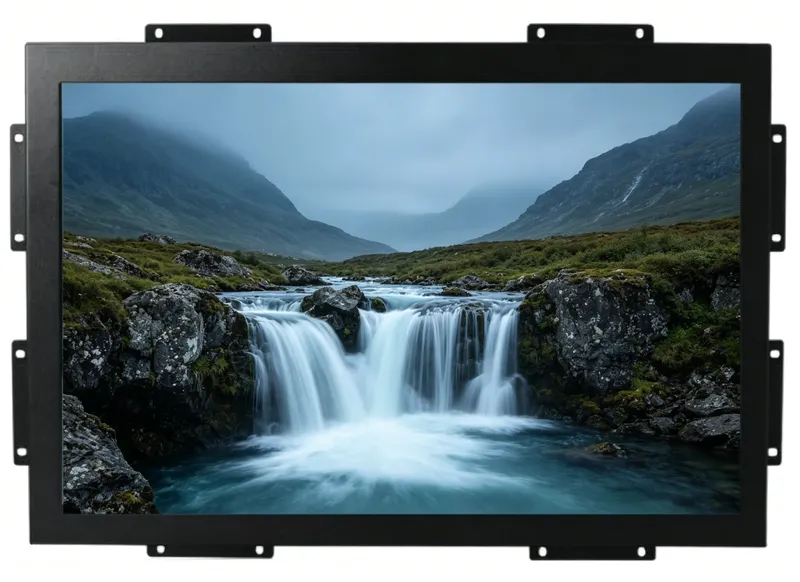
Sizes range from compact 7-inch panels for countertop terminals to 86-inch panels for large-format concourse directories, with both standard 16:9 and stretch bar aspect ratios. Interfaces include LVDS, eDP, HDMI, and DisplayPort, matching embedded computing platforms running Android, Linux, or Windows.
For wayfinding specifically, open frame displays beat finished monitors on three fronts:
Flush-mount integration. No gap between the display surface and the kiosk enclosure. The result looks like the screen was built into the wall — not bolted onto it.
Ruggedized construction. Industrial-grade components, wide-temperature operation (–20°C to +70°C), and metal chassis cooling handle 24/7 public-space duty cycles.
Interface flexibility. LVDS, eDP, HDMI available — matched to the host board without protocol adapters. USB touch with screw-lock connectors prevents accidental disconnection during cleaning or vibration.
Browse RisingStar's open frame display solutions for wayfinding, transportation, and outdoor digital signage applications.
Wayfinding Systems: Know the Classification Before You Spec
Wayfinding systems follow a layered framework. Each layer demands different display characteristics — brightness, size, touch, protection — and treating them as interchangeable leads to the wrong hardware in the wrong location.
By Function
Directional signs — Arrows and text at intersections and corridor entries. Require wide viewing angles and legibility at medium distance. These are the displays people glance at while walking.
Identification signs — Room numbers, department labels, store names. Viewed at close range. Sharp resolution matters more than brute brightness here.
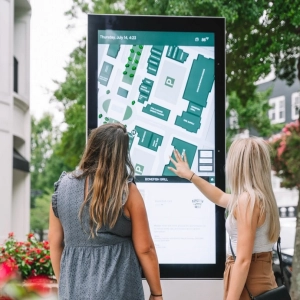
Informational signs — Maps, directory listings, event schedules. These are the interactive kiosks where people stop, search, and scroll. Larger screens with PCAP touch are standard.
Regulatory signs — Emergency exits, restricted areas, safety warnings. Must be visible under all lighting, zero downtime tolerated.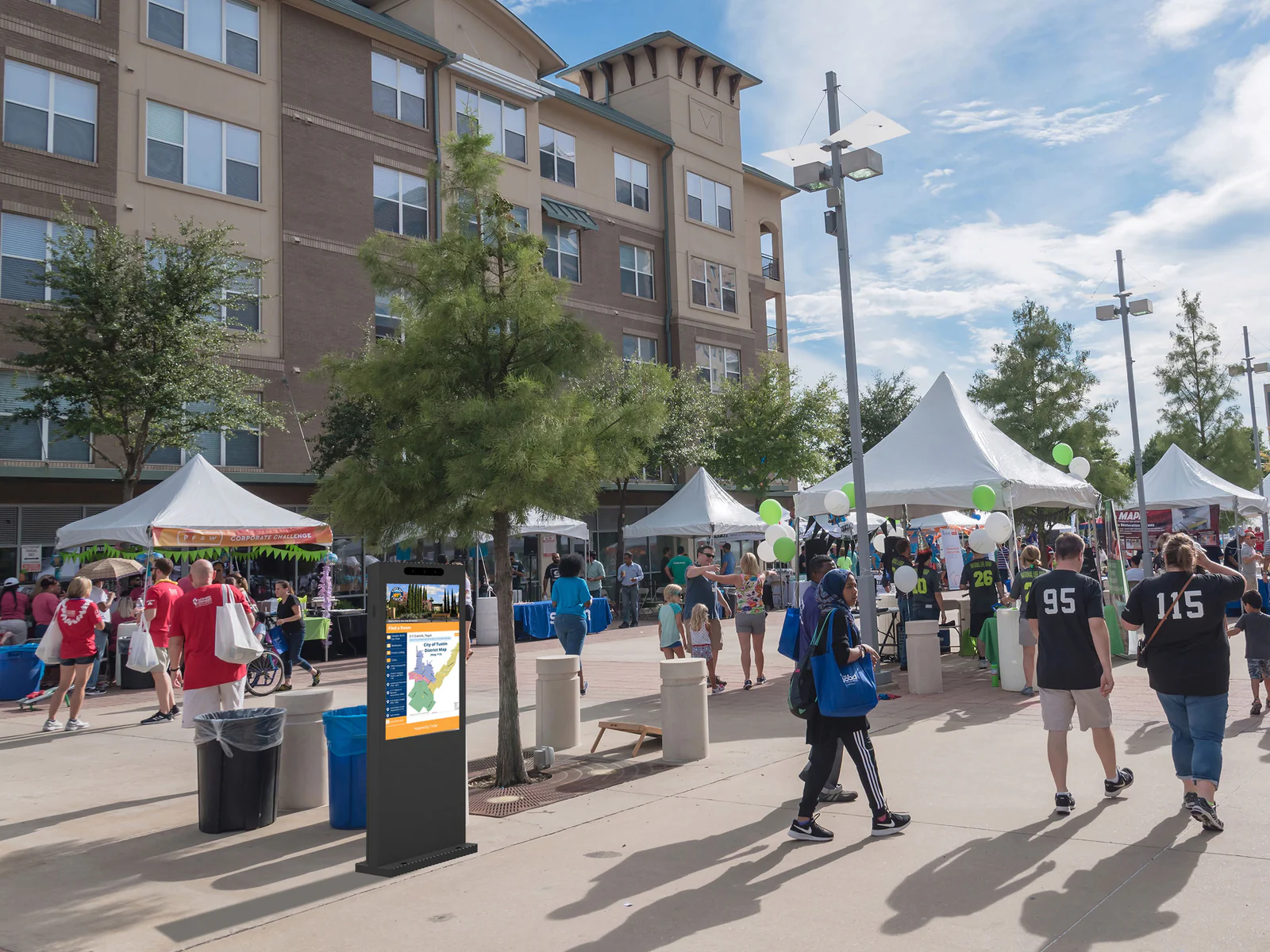
By Spatial Hierarchy
Level 1 — Perimeter. Exterior signs: campus maps, illuminated pylons, building entrance markers. Outdoor or semi-outdoor. Direct sun exposure. Needs 2,500+ nits.
Level 2 — Interior zone. Lobby directories, elevator bay maps, overhead directional signs. Bright indoor lighting, glass atriums. 1,000–1,500 nits.
Level 3 — Functional area. Corridor signs, department markers. Controlled indoor lighting. 500–1,000 nits typically sufficient.
Level 4 — Destination. Room numbers, suite plaques, gate identifiers. Close viewing, compact sizes. 300–700 nits.
Understanding this hierarchy prevents the most common mistake in wayfinding projects: ordering a one-size-fits-all display and watching half of them fail in the field.
Scenario 1: Healthcare Facilities
Hospitals present a harsh environment for displays. Disinfectant sprays hit the screen 20 times a day. Electromagnetic interference from CT scanners and EKG monitors sits meters away. And every display must remain readable to patients in wheelchairs, visitors in crisis, and staff running to the next emergency.
Wayfinding Use Cases
Emergency entrance signage (Level 1/Perimeter). High-brightness open frame displays at ambulance bays and emergency department entrances. Even under midday sun, these must let arriving patients and family identify the correct entrance instantly.
Campus overview directories (Level 1–2). Large-format displays at hospital entry points showing dynamic route maps to buildings, fever clinics, inpatient wards, and parking structures. Prevents patients from getting lost in sprawling medical campuses — a real problem when a 5-minute delay in finding the right building compounds medical anxiety.
Department floor guides (Level 3). 32-inch or 43-inch open frame displays at corridor intersections, clearly showing department layouts at a size readable from 10 meters away.
Self-service kiosks (Interactive). 21.5-inch or 24-inch touchscreen open frame displays embedded in registration, payment, and check-in kiosks. Arm's-length touch interaction, used hundreds of times daily.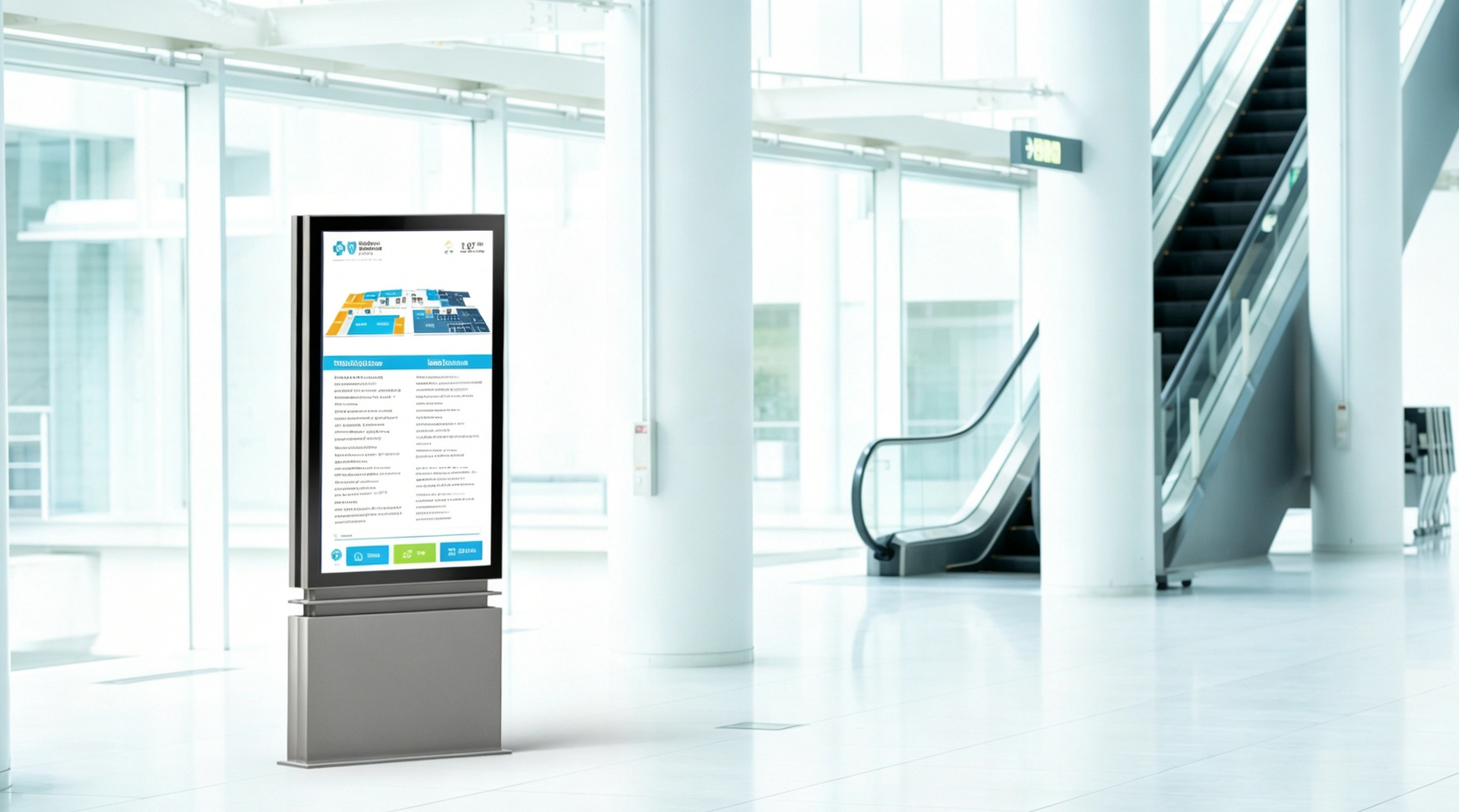
Hardware Specifications
| Parameter | Requirement |
|---|---|
| Screen Size | 21.5"–43" depending on application |
| Brightness | 1,000–1,500 nits (bright indoor/atrium) |
| Touch | PCAP with glove-mode and wet-hand firmware |
| Surface | Optical bonding preferred — seamless flat surface with no edge gaps for contaminant accumulation |
| Connectors | Screw-lock USB and HDMI to prevent disconnection during cleaning or equipment movement |
| Protection | Smooth glass surface compatible with frequent alcohol/disinfectant wipes |
| Front Sealing | IP65 optional for areas subject to fluid exposure |
What Goes Wrong When You Cut Corners
The display that works fine in a hotel lobby fails in a hospital for one reason: cleaning chemicals. Alcohol-based disinfectants degrade standard touch sensor coatings over time. A display without optical bonding collects disinfectant residue at the edge gap between the LCD and cover glass — a permanent haze layer forms after months of cleaning. A connector without screw locks comes loose when the cleaning crew moves the kiosk.
RisingStar configures open frame displays for healthcare with optical bonding, alcohol-resistant surface treatments, and locking connectors — tested for the cleaning regimen your facility runs daily.
Scenario 2: Commercial Complexes
Shopping malls, office towers, and mixed-use developments deploy wayfinding displays at the highest volume of any vertical. A single property might run 50–100 displays across atriums, elevator lobbies, parking garages, and street-facing windows. The hardware must be visually refined and remotely manageable — dozens of units cannot each require a technician visit when the directory listing changes.
Wayfinding Use Cases
Atrium directory kiosks (Level 2). 43-inch to 55-inch vertical-format open frame displays as the centerpiece of smart directory pylons. These screens run 3D floor maps, tenant search, event promotions, and QR-code coupon distribution simultaneously.
_www.risinglcd.com_images_wayfinding_wayfinding-mall.webp
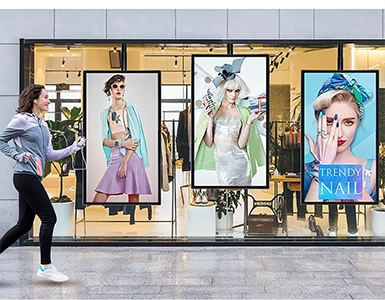
Street-facing window displays (Semi-outdoor). 55-inch or 65-inch high-brightness open frame displays behind glass storefronts. They compete with direct sunlight reflecting off the street — 1,500–2,500 nits makes the difference between visible content and a dark mirror.
Parking guidance (Level 3–4). Wide-format stretch bar open frame displays (1920×720 or 3840×360) above parking garage lanes, guiding drivers to available zones with real-time space counts.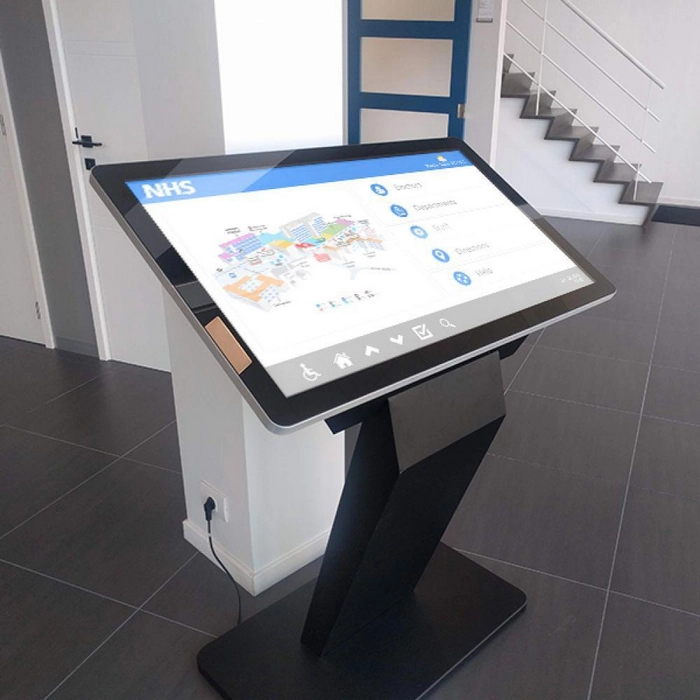
Elevator lobby directories (Level 2). Compact open frame displays showing floor-by-floor listings, updated in real time via CMS.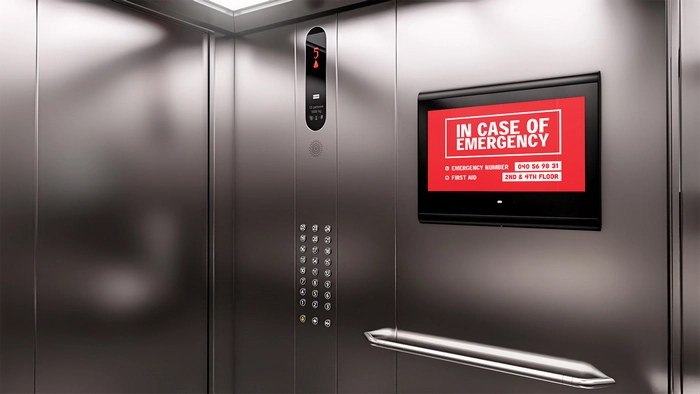
Hardware Specifications
| Parameter | Requirement |
|---|---|
| Screen Size | 43"–65" directory kiosks; 21.5"–32" elevator lobbies |
| Brightness | 1,000–1,500 nits indoor; 1,500–2,500 nits semi-outdoor window |
| Touch | PCAP with palm rejection for interactive directories |
| Orientation | Portrait/vertical for directory applications |
| Remote Management | RS-232 or Ethernet for centralized CMS control |
| Interface | HDMI, USB touch, optional ambient light sensor for auto-brightness |
| Front Protection | IP54 minimum for indoor public spaces |
What Goes Wrong When You Cut Corners
Consumer monitors in commercial directories develop screen burn-in within months from the static directory background. Their plastic bezels yellow under atrium UV exposure. And when the model goes EOL at month 13, the property manager has to replace the entire kiosk — not just the display — because the new model's mounting pattern doesn't match.
RisingStar's open frame displays commit to 3–5 year model availability with fixed mechanical dimensions. The mounting pattern you qualify today works for replacement units years later.
Scenario 3: Transportation Hubs
Airports, train stations, and bus terminals are where wayfinding displays face the hardest test: 24/7 operation, extreme brightness variation between indoor concourses and open-air platforms, and 10,000+ interactions per day on ticket kiosks. A display failure during rush hour doesn't just inconvenience passengers — it creates a crowd control problem.
Wayfinding Use Cases
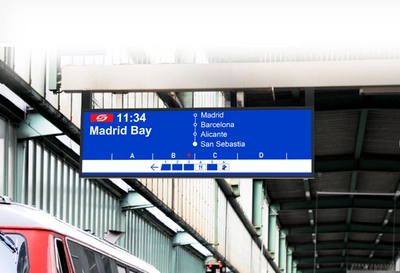
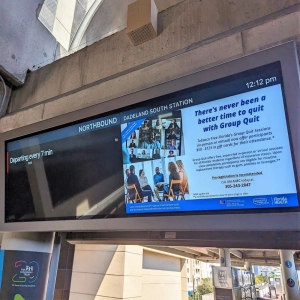
Departure/arrival boards (Level 1–2). 43-inch to 86-inch high-brightness open frame displays showing real-time schedule data. Open-air platform installations face 100,000+ lux sunlight and require 2,500–5,000 nits with optical bonding. Underground platforms use stretch bar formats (28"–37", 1920×360) to fit narrow overhead cutouts at 1,000–1,500 nits.
Ticket kiosk displays (Interactive). 19-inch to 27-inch open frame displays with PCAP touch, glove mode, IP66 front sealing, and IK10 impact resistance. A busy metro terminal processes 4,000+ transactions per day. Every screen tap is an opportunity for the touch sensor to fail — or for the display to survive another 10 seconds of service.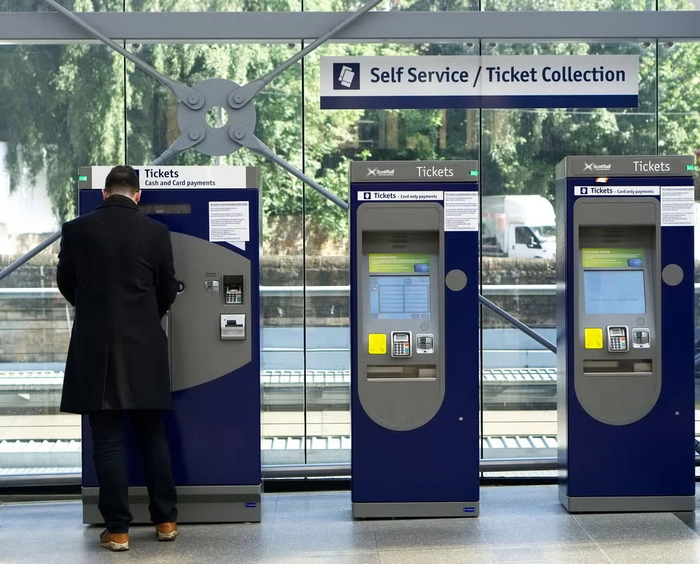
Wayfinding kiosks (Level 2–3). 32-inch to 43-inch interactive open frame displays for self-service navigation. Longer interaction sessions than ticket machines — passengers pinch-to-zoom maps, switch languages, and search routes. Touch precision and image clarity matter.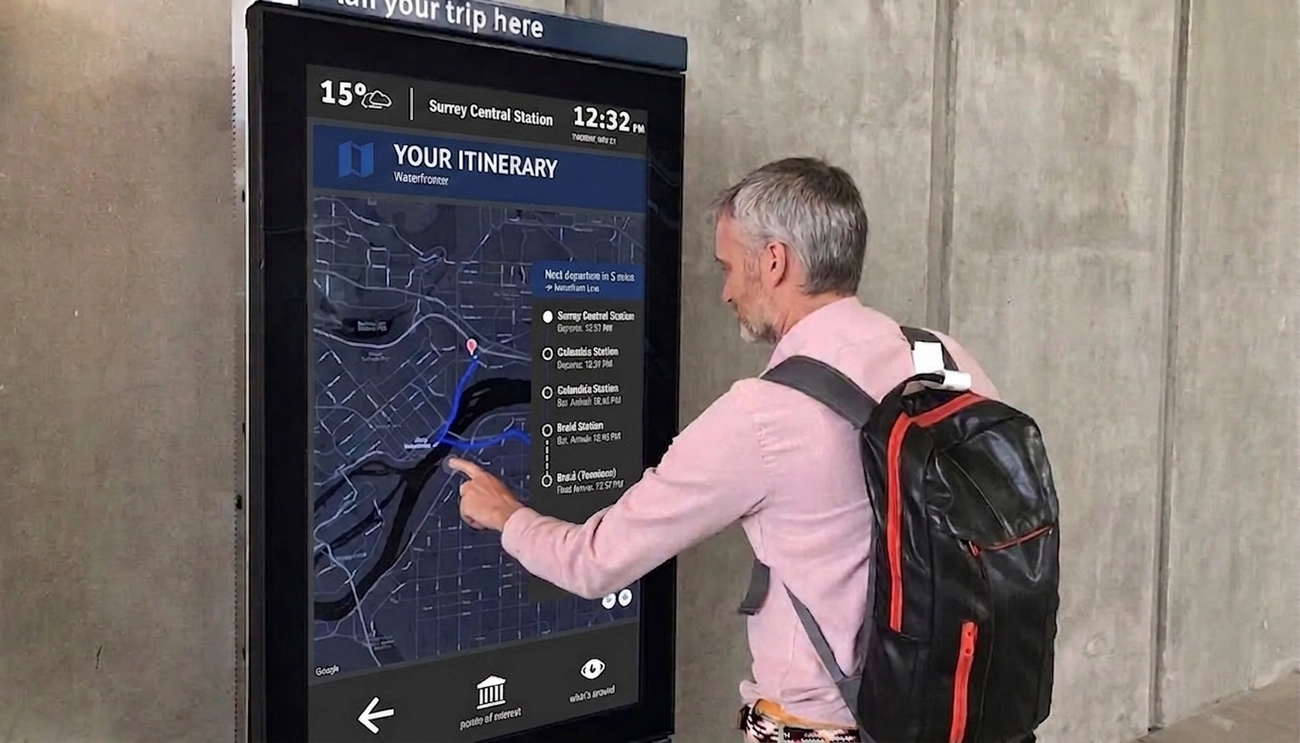
Hardware Specifications
| Parameter | Indoor Concourse | Outdoor Platform |
|---|---|---|
| Screen Size | 32"–55" standard; 28"–37" stretch bar | 43"–86" standard; 43"–49" stretch bar |
| Brightness | 1,000–1,500 nits | 2,500–5,000 nits |
| Touch | PCAP, standard firmware | PCAP, glove + wet-hand rejection |
| Optical Bonding | Recommended | Required |
| Front Protection | IP54 | IP65/66, IK10 |
| Operating Temp. | 0°C to +50°C | –20°C to +70°C |
| Interfaces | HDMI, USB, Ethernet | HDMI, USB, Ethernet, locking connectors |
| Certifications | CE, EMC | EN 50155, EN 50121-3-2 |
What Goes Wrong When You Cut Corners
An unbonded display on an outdoor platform fogs internally within weeks. The day-night temperature cycle condenses moisture between the LCD and cover glass — a haze layer that no amount of external wiping can reach. A display without Hi-Tni liquid crystal blacks out when direct sun heats the panel past the standard clearing point (typically 70–80°C). An unsealed front bezel lets platform dust accumulate behind the glass within months.
RisingStar ships transportation displays with optical bonding, Hi-Tni panel technology (≥110°C clearing point), and IP65/66 front-panel EPDM gasket sealing — tested under actual temperature cycling and water ingress conditions.
Scenario 4: Cultural and Tourism Venues
Museums, botanical gardens, heritage sites, and national parks share a unique deployment challenge: the display is outdoors, unattended, and surrounded by people who don't treat it gently. The hardware must survive rain, dust, temperature extremes, and deliberate impact — all while delivering engaging interactive content that enhances the visitor experience.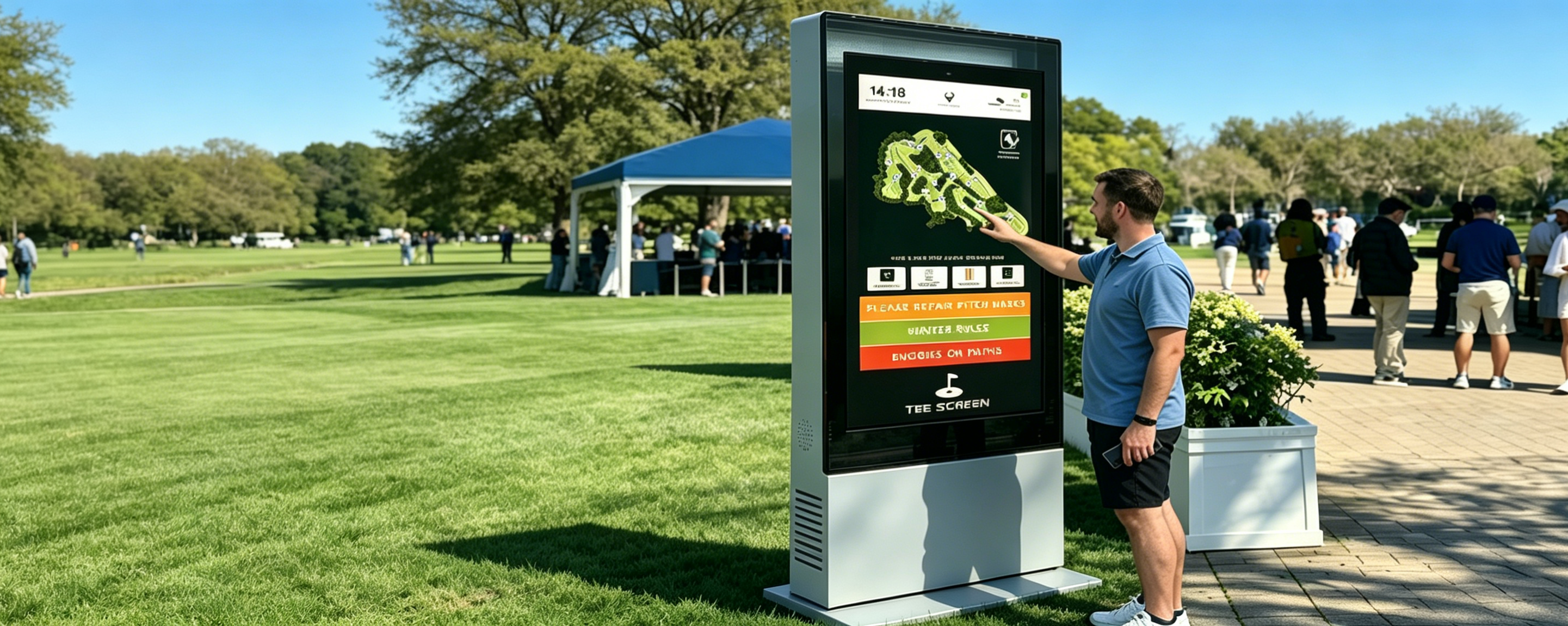
Wayfinding Use Cases
Scenic area entrance directories (Level 1). 55-inch to 75-inch outdoor open frame displays at park gates showing panoramic maps, AR-recommended routes, ticket pricing, and real-time shuttle bus arrivals. Direct sun, dust storms, and temperature swings from freezing to 40°C in the same week.
Trail intersection pylons (Level 2–3). 32-inch to 43-inch outdoor kiosks at key intersections providing interactive route planning, distance estimates, weather alerts, and SOS emergency contact. These displays sit in direct sun for 8+ hours in summer and freeze overnight in winter.
Exhibit interpretation (Level 4). Small-format high-brightness waterproof open frame displays (10"–21.5") replacing static plaques at outdoor exhibits, zoo enclosures, and garden features. Dynamic multi-language content with seasonal updates — replacing a panel that used to require printing and reinstalling physical signage.
Hardware Specifications
| Parameter | Requirement |
|---|---|
| Screen Size | 32"–75" depending on application |
| Brightness | 2,500–4,000+ nits for direct-sun outdoor |
| Front Protection | IP65/IP66 front seal with EPDM gasket; IK10 with 4mm–6mm tempered glass |
| Ambient Light Sensor | External ALS connector for automatic brightness from 0–4,000+ nits |
| Touch | PCAP with hardened firmware — rejects interference from rain, wind static, and debris |
| Operating Temp. | –20°C to +70°C minimum |
| Panel Technology | Hi-Tni liquid crystal (≥110°C clearing point) — prevents thermal blackening under direct sun |
| Connector Layout | Angled or side-exit connectors for ultra-thin sealed enclosure designs |
What Goes Wrong When You Cut Corners
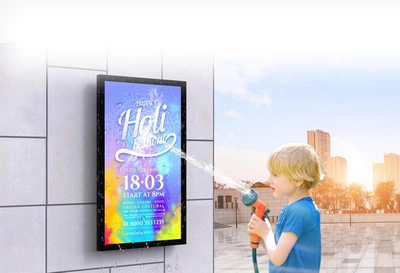
The gasket between the open frame display and the kiosk enclosure is the single most common failure point in outdoor deployments. Water doesn't enter through the display face — it enters through the seam where the panel meets the enclosure. A generic foam seal degrades in UV within one summer season. RisingStar uses EPDM gaskets rated for continuous outdoor exposure, verified under IP65/IP66 water ingress testing — not just manufacturer claims. IK10 tempered glass is non-negotiable for unattended installations where rocks, debris, or deliberate impact are realistic threats.
Technical Reference: Brightness, Durability, Touch
Brightness by Environment
| Environment | Required Brightness | Example Location |
|---|---|---|
| Indoor, controlled lighting | 300–700 nits | Hospital corridor, office lobby |
| Indoor, strong ambient | 1,000–1,500 nits | Glass-roofed atrium, airport check-in hall |
| Semi-outdoor | 1,500–2,500 nits | Covered walkway, street-facing window |
| Full outdoor | 2,500–5,000 nits | Park entrance, open-air platform, beach kiosk |
High-brightness panels generate more heat — thermal management must be planned alongside brightness selection. RisingStar's metal chassis serves as a passive heat sink, with aluminum 6061 alloy (thermal conductivity 140–160 W/m·K) pulling heat from the backlight to the enclosure frame. No fan. No moving parts. No mechanical failure point.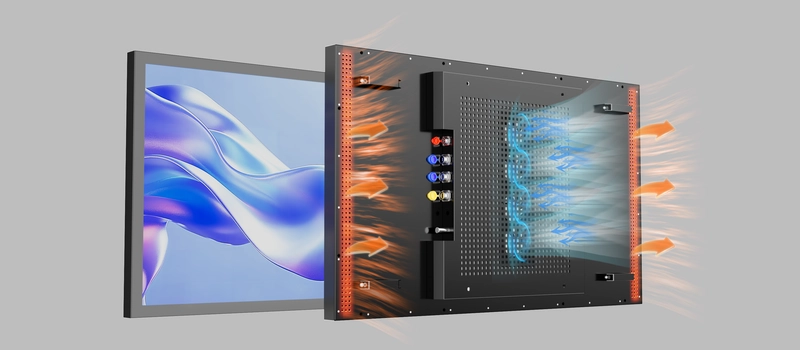
Durability Standards
| Standard | What It Means | When Required |
|---|---|---|
| Operating Temperature | –20°C to +70°C | Outdoor and semi-outdoor |
| IP65/IP66 | Dust-tight, water jet / powerful water jet | Outdoor, coastal, monsoon-exposed |
| IK10 | 20-joule impact resistance | All ground-level public installations |
| Backlight Lifetime | ≥50,000 hours L70 | 24/7 operation (≈5.7 years continuous) |
| Hi-Tni Panel | ≥110°C clearing point | Direct sun exposure, passive-cooled enclosures |
Touch Technology for Public Spaces
PCAP (Projected Capacitive). Standard for public wayfinding. Multi-touch, works through glass overlays up to 6mm, supports glove and wet-hand operation with proper firmware. RisingStar configures PCAP firmware with anti-miss-touch, water-drop rejection, and palm rejection.
Resistive touch. Lower cost but limited optical clarity and durability. Suitable for controlled indoor environments with light usage — not recommended for public wayfinding.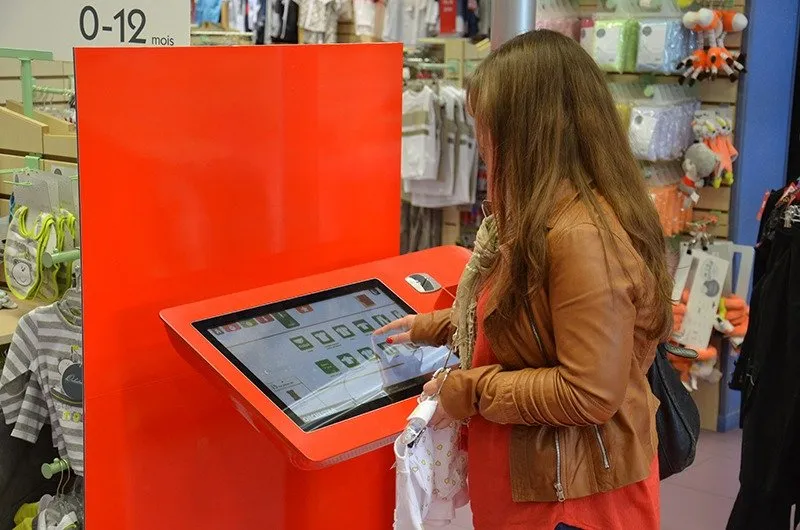
Interface Selection by Scenario
| Scenario | Recommended Interfaces | Why |
|---|---|---|
| Healthcare kiosk | HDMI + screw-lock USB | Stable embedded PC connection; locks prevent cleaning disconnection |
| Commercial directory | HDMI + USB + RS-232 | RS-232 for centralized property management across dozens of units |
| Transportation board | HDMI in + HDMI out (loop-through) + dual RJ45 | Multi-screen daisy-chaining; dual network for data + backup |
| Outdoor tourism | HDMI + USB + external ALS port | Auto-brightness adaptation via ambient light sensor |
Screen Size Selection
Screen size is driven by viewing distance, content density, and the physical mounting space:
| Use Case | Recommended Size | Why |
|---|---|---|
| Platform edge strips, bus shelter routes | 7"–15" stretch bar | Fits narrow architectural slots where standard panels don't |
| Self-service kiosks, registration terminals | 21.5"–24" | Arm's-length touch sweet spot |
| Corridor directories, elevator lobbies | 32"–43" | Legible at hallway distance, fits standard wall mounts |
| Atrium directories, entrance boards | 49"–55" | Vertical/portrait orientation for directory listings |
| Concourse information walls, terminal overviews | 65"–86" | Legible at 30+ meters |
Formula: minimum viewing distance (meters) ≈ screen diagonal (inches) × 0.04. A 55-inch display = ~2.2 meters minimum for comfortable reading.
OEM/ODM: What to Look for in a Manufacturing Partner
For integrators deploying wayfinding networks at scale, the manufacturer matters as much as the hardware spec. Four things to verify before signing:
Panel sourcing. Grade A/A+ open-cell panels from Tier-1 suppliers (LG Display, AUO, BOE, Innolux, Tianma). Panel quality directly determines brightness uniformity and color consistency batch-to-batch.
Manufacturing infrastructure. ISO 9001 certification and clean-room assembly are minimums. In-house optical bonding capability means you're not routing panels to a third-party laminator.
Customization depth. Can the manufacturer modify mounting patterns, connector placement, touch firmware, cover glass thickness, and interface selection — or do you get whatever's in their catalog?
Supply stability. Multi-year infrastructure projects (airports, hospital systems) need 3–5 year model availability. A manufacturer that can't guarantee panel supply continuity forces you to requalify hardware mid-project.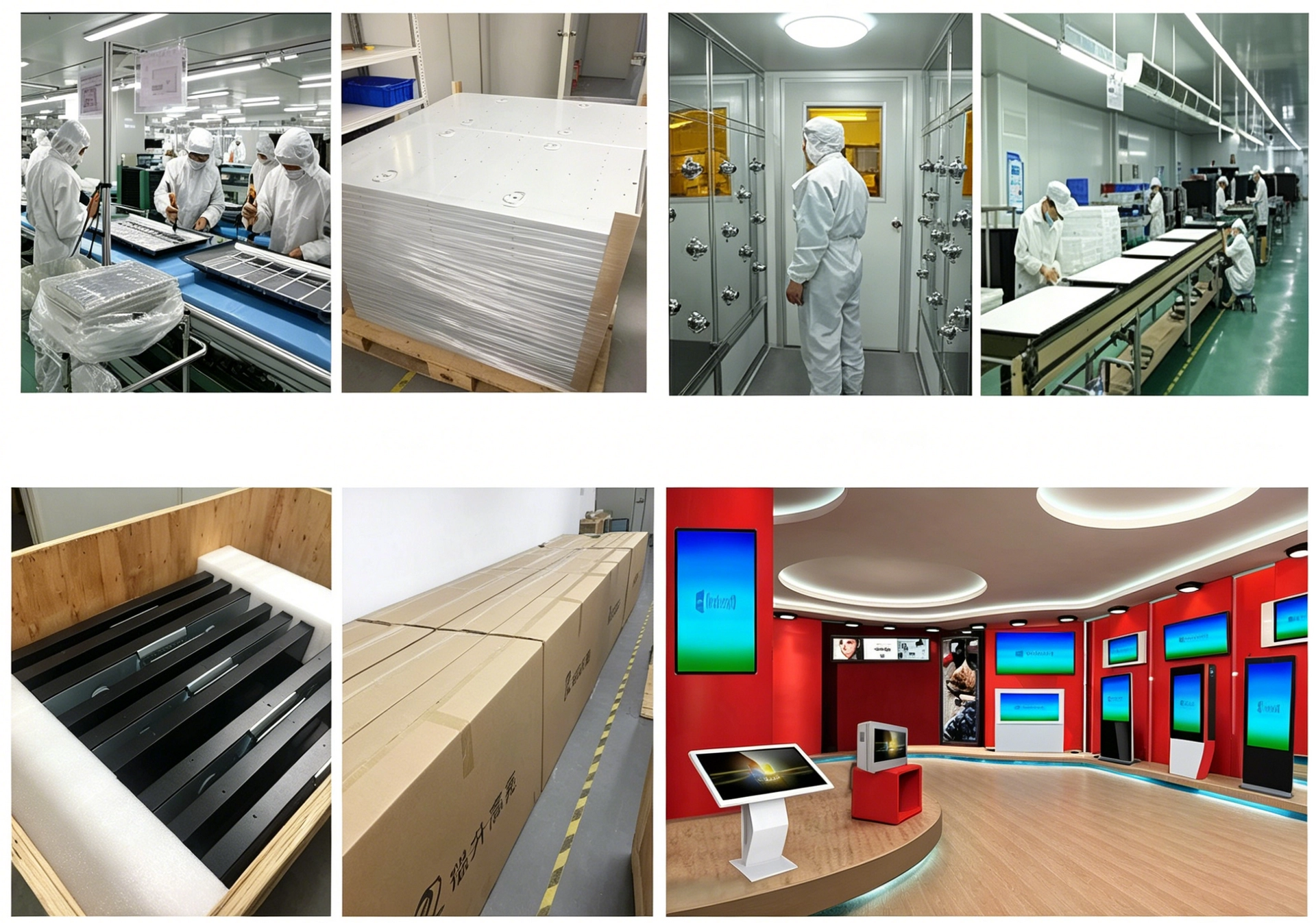
RisingStar has delivered on all four for wayfinding and transit projects since 2009.
RisingStar Wayfinding Display Support
What we configure:
| Capability | Specification |
|---|---|
| Screen sizes | 7"–110", including custom stretch bar ratios |
| Brightness | 500–5,000 nits, factory-calibrated to deployment |
| Panel technology | Hi-Tni (≥110°C clearing point), TN, IPS |
| Touch | PCAP with glove/wet-hand firmware, resistive, non-touch |
| Optical bonding | OCA sheet lamination and OCR liquid-resin |
| Front sealing | IP65/66 with EPDM gaskets |
| Cover glass | IK08–IK10 tempered glass |
| Interfaces | LVDS, eDP, HDMI — matched to host |
| Manufacturing | ISO 9001, Class 10,000 cleanroom, 100% inspection, 72h burn-in |
| Supply | 3–5 year model availability, batch-to-batch traceability |
Our process:
You send deployment environment specs — we review and confirm the configuration. Response within 8 hours.
Custom sample built, tested, shipped within 10 working days.
You qualify against your enclosure. We provide test data for tender submission.
Volume production with consistent quality, 15–25 working day lead time.
24/7 technical support, 3-year warranty (extendable to 5 years for large-scale deployments).
? ai@risinglcd.com · ? +86 158 8946 9208 · ? https://www.risinglcd.com