

Selection hub
Kiosk Displays and Open Frame Modules
Kiosk display modules: open frame units, 32 to 86 inch, 500 to 4000 nits, touch on selected models, -20 to 70 °C. Specify the housing, not just the nits.
Open frame display: what the module does, and what it leaves to you
An open frame display is a screen without a cabinet. You get the panel, backlight, driver board and, where ordered, a touch layer, with a narrow bezel and mounting points. The kiosk shell, the power distribution, the service door and the seal belong to the integrator. That split is the point: it lets one housing design carry different sizes and brightness levels without redesigning the enclosure each time.
The consequence is that specification responsibility is also split. A module cannot promise water protection that depends on a cabinet it has never been fitted to, and a bright module cannot promise a cool interior inside a sealed box. Both numbers have to be designed together.
A module, not a box
Panel, backlight, driver board and optional touch arrive as one unit. Cabinet, earthing, cable routing and service access stay with the kiosk builder.
Touch changes the stack
A touch layer adds a sensor, a controller, a cable route and an EMI problem. Display and touch have to be specified as one assembly, not two purchases.
Heat has one way out
Inside a sealed kiosk the only thermal paths are the front glass and the cabinet skin. More nits means more heat, so the power budget belongs in the same conversation.
Decision matrix: match the module to the housing
Start with the cabinet, not the panel. The housing decides the IP code, the thermal budget and the brightest setting that will survive a summer afternoon.
| Kiosk type | Who owns the seal | Spec to fix first | Brightness to plan | What fails first |
|---|---|---|---|---|
| Indoor self-service, closed cabinet | Integrator | Module size, touch stack, service access | 500-1000 nits | Heat trapped in a closed box |
| Indoor, behind shop glass | Integrator, with the glazing | Glass reflection, viewing distance | 1000-2000 nits | Daylight washout, grey blacks |
| Semi-outdoor, canopy or recess | Integrator, sealed housing | Exact IP code, condensation path | 1500-2000 nits | Fogging, corrosion, splash ingress |
| Outdoor, fully exposed | Integrator and enclosure supplier | IP65 or IP66 housing, IK glass, thermal design | 2000-4000 nits | Water ingress, thermal throttling |
| Wall or pillar mounted, indoor | Integrator | Mounting depth, cable route | 500-1000 nits | Glare from ceiling lighting |
The brightness bands map to the models listed on this page, which are published at 500, 1500 and 4000 nits. Surface treatment, laminating method and cabinet free volume are not stated here; the model datasheet controls.
Specification checklist for a kiosk build
Five items settle most of the disagreements that surface late in a kiosk project.
1. Brightness at the operating point
Catalogue brightness is a panel rating. Ask for the figure after dimming and after the unit has warmed up for 30 minutes, then check it against the worst lighting condition on site rather than the average.
2. Who owns the IP rating
An open frame module cannot be waterproof on its own. The exact two-digit code applies to the tested housing, so write down which party seals the cabinet and which party tests it.
3. Internal air temperature
Design to the air temperature inside the box, not the outdoor forecast. Solar gain through glass plus display heat can add far more than the ambient swing.
4. Service access
Decide how the module is replaced without dismantling the kiosk. A two-minute module swap is a design decision, not a maintenance habit.
5. Touch interface and cable run
Confirm whether the touch controller is USB or serial, the maximum cable length, and whether the controller sits on the display side or the host side of the cabinet wall.
Kiosk display engineering guides
Four articles on integration, enclosure and outdoor deployment.
Open Frame Display Deployment Guide, by Application
Housing, brightness and service access for wayfinding, ticketing and self-service terminals.
News / IntegrationSmart Kiosk Integration: LCD, Touch and Enclosure Decisions
How the display, touch layer and cabinet interact once the kiosk is sealed and running.
News / OutdoorEV Kiosk Display Requirements for Outdoor Charging Stations
Brightness, ingress protection and thermal limits for a kiosk that runs all year outdoors.
News / TechnicalOutdoor High Brightness Kiosk Display Solutions
Where 2000 and 4000 nit panels earn their cost, and where a shaded 500 nit module does the same job.
Kiosk and open frame display models
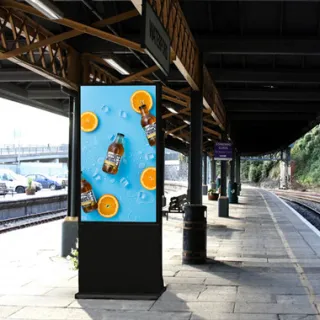
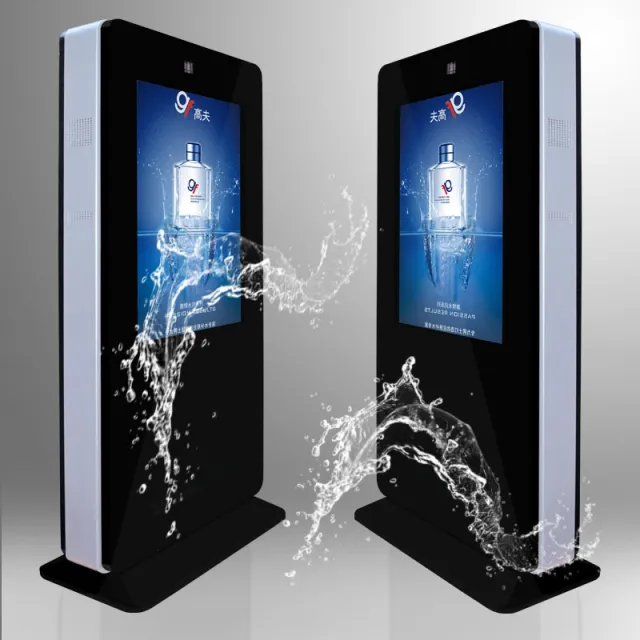 RS55-OEM 55" Digital Signage Touch Screen
- 55"
- 500 nits
- -20°C ~ 70°C
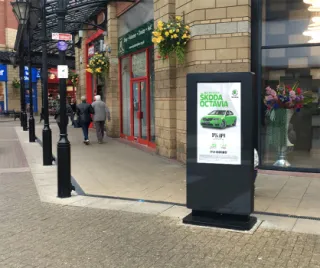
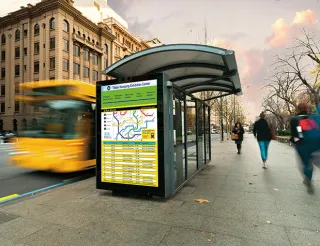
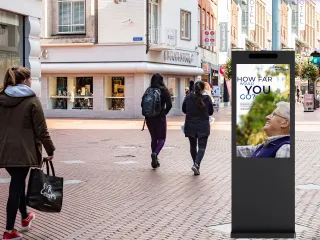
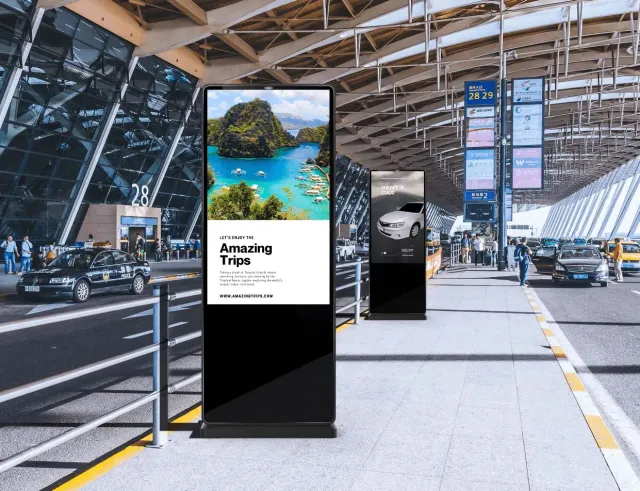 RS860EQL-GD40 86" 4000 Nits Sunlight Readable LCD Display
- 86"
- 4000 nits
- 1200:1
- -20°C ~ 70°C

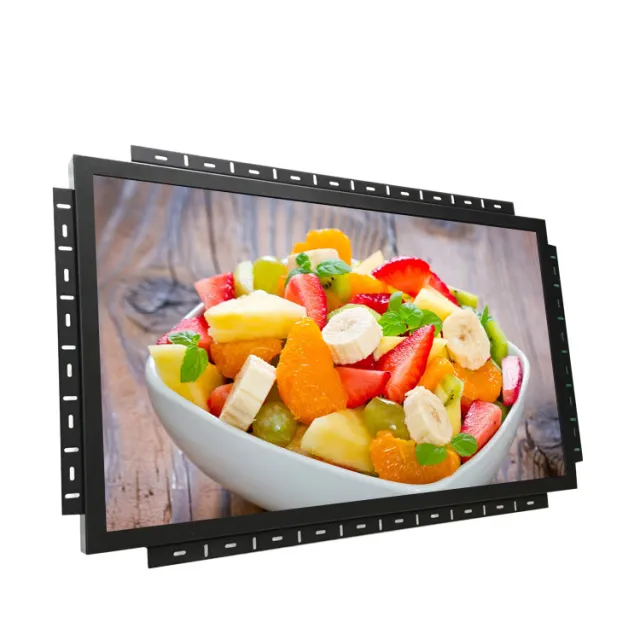 RS320ENT-N15 DV320FHM-NN0 32" 1500 Nits Open Frame Monitor
- 32"
- 1500 nits
- 1200:1
- -20°C ~ 70°C

Frequently asked questions
What is a kiosk display?
A kiosk display is the screen module fitted inside a self-service terminal: a panel, backlight, driver board and often a touch layer, mounted into a housing that the integrator supplies. It is not a complete cabinet, and most modules carry no water-ingress rating of their own.
What is the difference between a kiosk display and an open frame display?
They describe the same hardware from two angles. Kiosk display names the application; open frame display names the mechanical form, a module with a narrow bezel and no outer cabinet so the kiosk shell can be built around it. The models on this page are indoor modules; a few are specified for outdoor housings.
How bright does a kiosk display need to be?
An indoor kiosk under normal lobby or shop lighting works at 500 to 1000 nits. A kiosk behind glass or in a covered semi-outdoor position needs 1500 to 2000 nits. A face that takes direct daylight needs 2000 nits or more. Ask for a model-by-model brightness quote before specifying. Below 1000 nits a display should not be described as sunlight readable.
Do kiosk displays include touch?
Not by default. Selected models here carry a touch layer; the rest are display-only. When touch is required, specify the touch stack, the cover glass and the controller interface at the same time as the display, because the layer is bonded to the panel and cannot be added later without re-lamination.
Is a kiosk display waterproof?
Not by itself. Water protection comes from the cabinet the integrator builds, not from an open frame module. Ask for the exact two-digit IP code of the specific model, and treat any IP rating as valid only for the housing it was tested in. Most models on this page carry no IP rating.
What operating temperature applies to a kiosk display?
The models listed here are published at -20 to 70 °C operating and -30 to 80 °C storage. For an outdoor cabinet, the number that matters is the air temperature inside the housing: add solar gain and the heat from the display, then check that the panel stays inside its range at the hottest hour of the year.
Specifying a kiosk display?
Send the cabinet type, the light exposure, the size and whether touch is needed. Our engineering team responds with a model-level datasheet and a quote.
Request a Quote arrow_forward


