
 English
 Deutsch
 Français
 Español
 Italiano
 한국어
한국어
 日本語
日本語
 Português
 Suomi
Suomi
 Dansk
Dansk
 Polski
Why Cooling is the Lifeline of High Brightness LCDs
Your high-brightness display is running hot—or you’re worried it will. In the world of outdoor digital signage, heat is the silent killer of performance. Whether your screen is operating under the blistering summer sun or enclosed in a tight kiosk, poor heat dissipation leads to dimming, unexpected shutdowns, and the dreaded "Blackening Defect."
This guide dives deep into why high-nits LCDs overheat and explores the core engineering solutions—from passive heat sinks to intelligent airflow systems—designed to keep your RisingLCD screen shining without burning out.
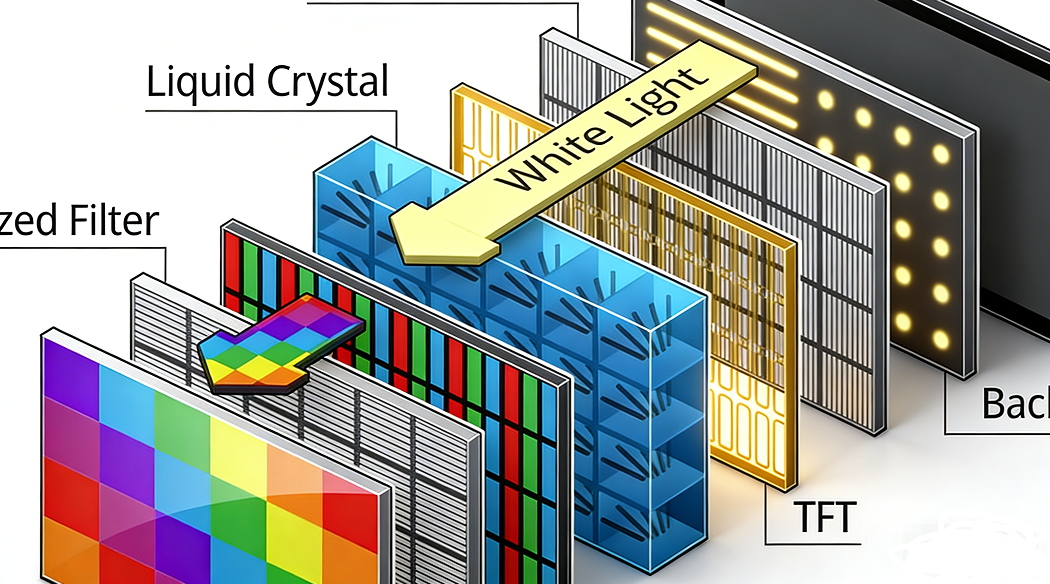
Root Causes of Overheating
Excessive overheating is rarely a single failure; it is often the result of environmental mismatch or insufficient system design. Key factors include:
High Power Density: Achieving 3000+ nits requires high-wattage LED backlights, which generate massive thermal loads.
Solar Radiation: Direct sunlight can add an extra 15°C to 20°C to the internal temperature of an outdoor unit.
Stagnant Airflow: Poor ventilation design prevents hot air from escaping, causing heat to "stack" around critical IC drivers and power supplies.
Core Cooling Strategies: Comparison
| Method | Mechanism | Best Use Case |
|---|---|---|
| Passive Cooling | Heat sinks & aluminum alloy cabinets | Sealed units, salty marine environments |
| Active Cooling | Temperature-controlled fans & ducts | Large outdoor walls, 24/7 signage |
| Smart Dimming | PWM thermal sensors | High-nit screens in desert climates |
Industrial Best Practices: Tni 110°C Technology
Standard LCDs use liquid crystals with a low clearing point (around 65°C). When sun exposure pushes the panel beyond this limit, the crystals lose their orientation, causing black spots. At RisingLCD, we utilize High Tni (110°C) industrial-grade panels. This allows the display to survive much higher internal temperatures without any blackening defect, ensuring 100% uptime in the most extreme solar conditions.
Proactive Maintenance & Monitoring
Even the best cooling system fails if neglected. To ensure long-term performance, consider the following:
1. Cleaning
Regularly clean intake vents and fan blades. Dust accumulation acts as an insulator, trapping heat and reducing fan efficiency by up to 30%.
2. Monitoring
Utilize internal sensors to track temperature spikes. Real-time data alerts you to fan failures before they damage the LED backlight.
Plan Ahead for Total Cost Efficiency
Investing in superior thermal engineering upfront reduces the Total Cost of Ownership (TCO) by minimizing repairs and extending the product lifespan to its full 50,000-hour potential. Designing for your climate, not just your content, is the key to a reliable outdoor display.