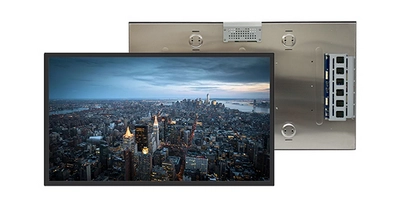
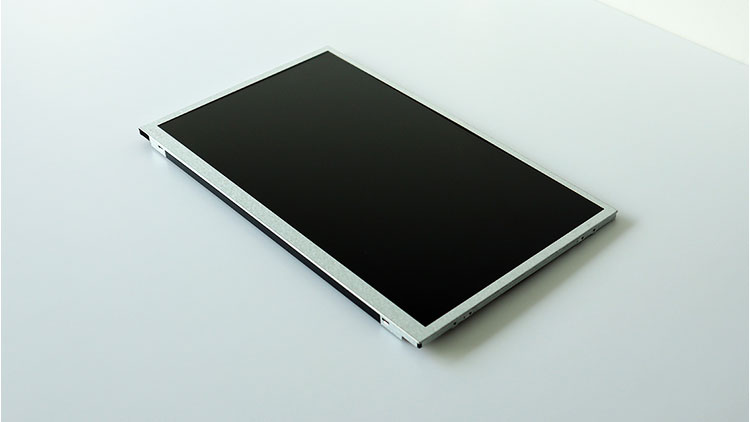
32 Inch High brightness lcd panel
Here is a professional English specification table for the RisingStar RS320EUY-GD15 outdoor high brightness LCD display:
| Category | Specifications |
|---|---|
| System Category | LCD/OLED/EPD Panel Modules > TFT-LCM Liquid Crystal Modules |
| Brand | RisingStar |
| Product Series | 32-inch Series |
| Model | RS320EUY-GD15 |
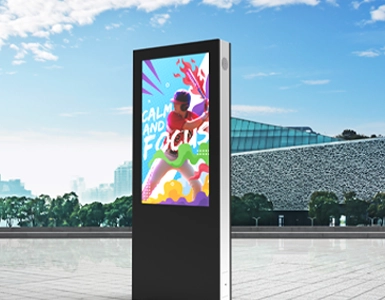
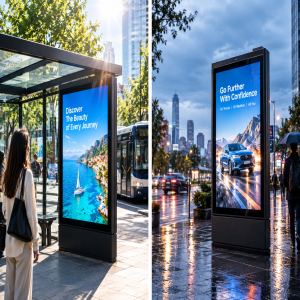
| Key Features | 32" Outdoor High-Brightness LCD Screen, 1920×1080 Resolution, 2000 cd/m² Brightness, Designed for Smart Bus Stops, EV Chargers, Digital Signage |
| Product Type | Graphic Type |
| Tags | Color TFT LCD, Wide Temperature LCD, High-Brightness LCD, Sunlight Readable LCD, IPS LCD |
| Applications | Industrial, Digital Signage, Outdoor High-Brightness Solutions |
| Panel Type | a-Si TFT-LCD |
| Structure | LCD Module (TFT-LCM) |
| Panel Size | 32" |
| Resolution | 1920 × 1080 (FHD) |
| Aspect Ratio | 16:9 |
| Physical Shape | Flat Rectangle |
| Active Area (Display) | 698.4 (W) × 392.85 (H) mm |
| Outline Dimensions | 731.9 (W) × 431.4 (H) mm |
| Max Thickness | 59.5 mm |
| LCD Mode | IPS Hard Screen |
| Polarizer | Transmissive |
| Brightness | 1500 cd/m² (Typ.) |
| Contrast Ratio | 1200:1 (Typ.) |
| Viewing Angle | 89°/89°/89°/89° (Left/Right/Up/Down) |
| View Direction | Full View |
| Display Colors | 16.7 Million |
| Backlight Type | WLED |
| Interface Type | LVDS |
| Interface Pins | 51 Pins |
| Touchscreen | No Touch |
| Operating Temperature | -20°C to +70°C |
| Storage Temperature | -20°C to +70°C |
High Brightness LDC Displays (HB-LCDs) are essential components in environments requiring visibility under strong ambient light, such as outdoor digital signage, aviation interfaces, and medical imaging systems. This report identifies and analyzes the critical technical and functional features that define the performance of HB-LCDs, providing a framework for selection based on application-specific requirements.
1. Luminance: The Core Metric
Luminance, measured in nits (cd/m²), is the primary indicator of display brightness. Standard LCDs typically range between 200-500 nits, while HB-LCDs must exceed 1,000 nits to combat direct sunlight or industrial lighting.
2. Contrast Ratio in High Brightness Environments
While luminance ensures visibility, contrast ratio (the difference between the brightest white and darkest black) determines image depth. High ambient light can wash out contrast, necessitating:
Dynamic Contrast Adjustment: Real-time modulation of backlight intensity based on content.
Local Dimming: Zonal control of backlight LEDs to enhance dark region definition (e.g., crucial in radiology displays).
3. Wide Viewing Angles and Optical Enhancement
HB-LCDs must retain image integrity across oblique angles, especially in public installations or multi-user settings:
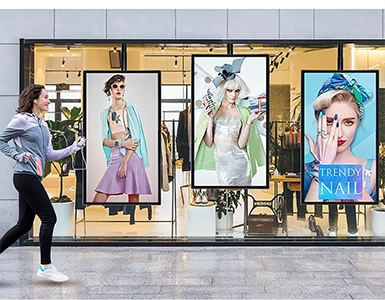
IPS/FFS Panel Technology: In-Plane Switching or Fringe Field Switching panels offer 178° viewing angles with minimal color shift.
Anti-Glare and Anti-Reflective Coatings: Micro-structured surfaces or AR films diffuse ambient light reflections
4. Thermal Management and Durability
Sustained high brightness generates significant heat, impacting longevity and stability:
Heat Dissipation Design: Aluminum heat sinks or passive convective cooling prevent thermal throttling.
Operating Temperature Range: Industrial-grade HB-LCDs should function reliably between -30°C to 80°C (e.g., oil rig monitoring systems).
5. Sunlight Readability and Adaptive Sensors
Intelligent systems enhance usability in variable lighting:
Ambient Light Sensors (ALS): Automatically adjust brightness to conserve power and reduce eye strain (common in military field devices).
Optical Bonding: Lamination of touch panels or protective glass minimizes air gaps, reducing internal reflections by up to 90%.
6. Power Efficiency and Energy Consumption
High brightness often correlates with high power draw. Key optimizations include:
High-Efficiency LED Drivers: Reduce energy loss in backlight circuits.
Eco Modes: Dimming algorithms for static content (e.g., airport departure boards).
7. Color Accuracy and Gamut Coverage
While brightness is prioritized, color fidelity remains critical in specialized applications:
Wide Color Gamut (WCG): HB-LCDs for entertainment or design should cover >90% DCI-P3.
8. Mechanical Robustness and Lifespan
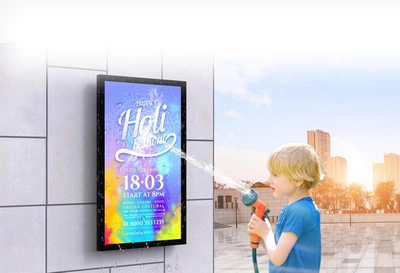
Ingress Protection (IP Ratings): IP65/67 seals prevent dust and moisture ingress in outdoor deployments.
MTBF (Mean Time Between Failures): Commercial HB-LCDs should exceed 50,000 hours (5+ years of 24/7 operation).
9. Compatibility and Interface Options
Industrial Communication Protocols: Support for CAN bus, Ethernet/IP, or Modbus in automation settings.
High Speed Inputs: HDMI 2.1 or DisplayPort 1.4 for 4K/120Hz video transmission.
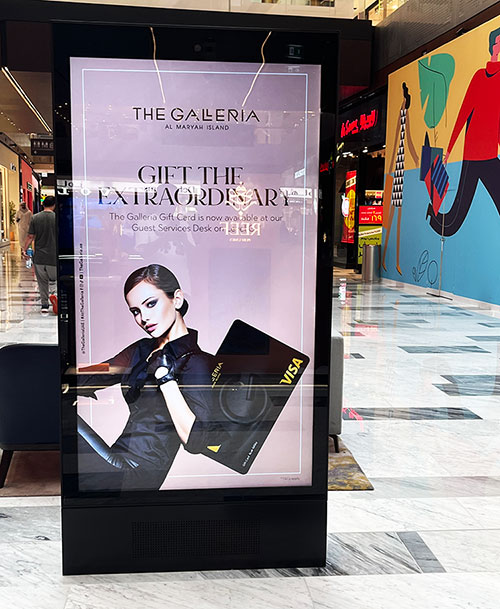
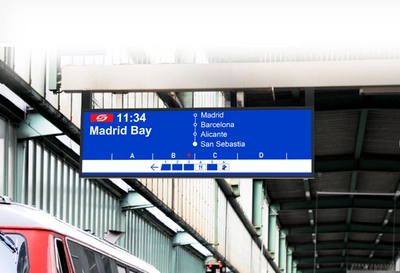
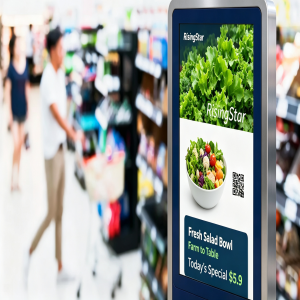
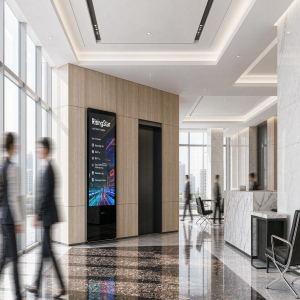
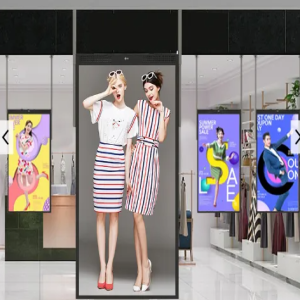
European high brightness digital signage case
Do high brightness LCD displays consume more power?
Yes, high - brightness LCD displays typically consume more power. This is mainly because achieving a high - brightness level requires increasing the intensity of the backlight, which is a significant power - consuming component. Additionally, to display clear and vivid images at high brightness, the pixel - driving circuitry may also need to draw more current, further contributing to the higher power consumption. However, modern display technologies have been making efforts to improve energy efficiency, so the power consumption gap between high - brightness and regular - brightness LCD displays is gradually narrowing.
How can I balance the need for high brightness with power consumption when choosing an LCD display?
Look for energy - efficient technologies: Some LCD displays use advanced energy - saving technologies. For example, displays with LED backlights are generally more energy - efficient than those with traditional CCFL backlights. Additionally, technologies like local dimming can adjust the brightness of different areas of the screen according to the content being displayed, reducing overall power consumption while maintaining high brightness in the areas that need it.
Choose the right brightness level: Determine the actual brightness level you need based on the usage environment. If you're using the display in a well - lit office or outdoors, you may need a higher - brightness display. But if it's for a normal indoor environment, a display with a relatively lower brightness level, such as 300 - 500 nits, may be sufficient. There's no need to choose an overly high - brightness display that will consume more power.
Consider the display size: Generally, the larger the display size, the more power it consumes. If you don't have a specific need for a large - screen display, choosing a smaller - sized display can help reduce power consumption. At the same time, for displays of the same size, those with a higher resolution may consume more power. So, you need to make a trade - off according to your actual requirements.
Check the power - saving features: Many LCD displays come with power - saving modes and features. Look for displays that offer features like automatic brightness adjustment, which can adjust the screen brightness according to the ambient light conditions. Some displays also allow you to customize power - saving settings, such as setting different brightness levels for different usage scenarios.
Refer to energy efficiency certifications: Look for displays that have energy - efficiency certifications, such as the ENERGY STAR certification in the United States or similar certifications in other regions. These certifications indicate that the display meets certain energy - saving standards and can provide a certain guarantee for energy - efficient operation.
32 Inch High brightness display video