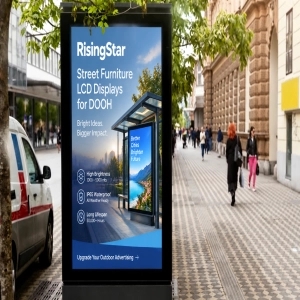
The passenger information display is the most visible piece of infrastructure a transit agency deploys. Modern PID systems reduce perceived wait times, communicate service disruptions in real time, and deliver emergency instructions when seconds count. As cities from Riyadh to São Paulo expand their networks, specifying the right transit-grade hardware up front is the difference between a five-year asset and an early replacement cycle.
This guide covers the technical specifications, selection criteria, and deployment best practices for passenger information displays that transit procurement teams need to get it right the first time.
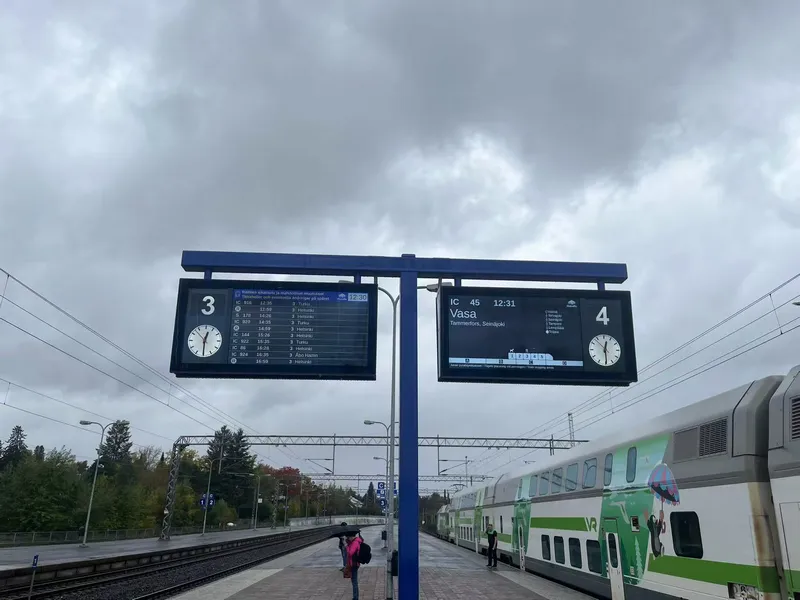
What Transit-Grade Passenger Information Displays Deliver
Passenger information displays operate in conditions no commercial monitor is built for. Here's how transit-grade hardware is engineered to handle every one of them.
1. Sunlight-Readable Visibility
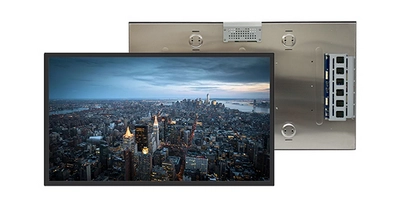
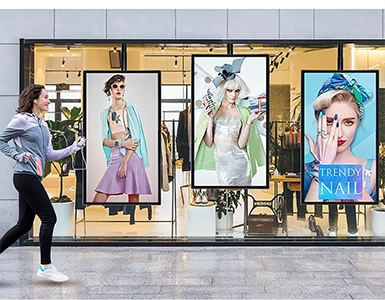
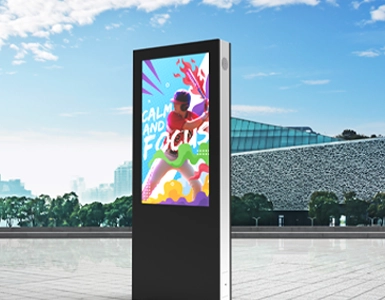
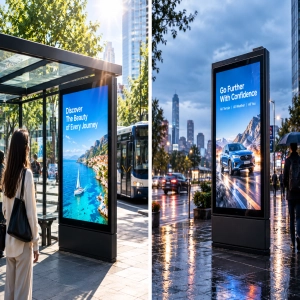
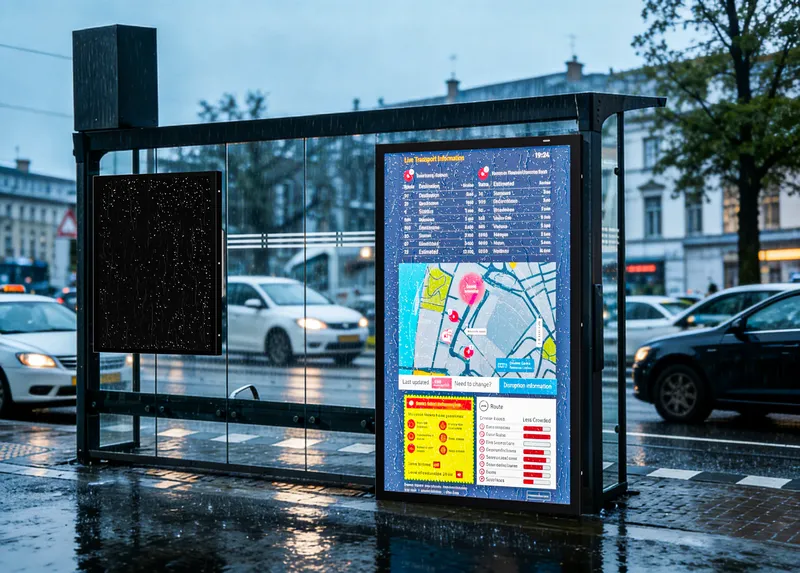
Outdoor passenger information displays use high-brightness LCD panels rated at 2,500–5,000 nits for fully exposed locations, paired with anti-glare (AG) coatings and anti-reflective (AR) treated glass to cut surface reflections. For semi-outdoor placements under a canopy or shelter, 1,000–1,500 nits is typically sufficient.
| Environment | Recommended Brightness | Typical Location |
|---|---|---|
| Indoor station concourse | 500–1,000 nits | Metro hall, airport terminal |
| Semi-outdoor (covered) | 1,000–1,500 nits | Bus shelter, covered platform |
| Outdoor (partial shade) | 1,500–2,500 nits | Sidewalk kiosk, station entrance |
| Outdoor (full sun exposure) | 2,500–5,000 nits | Open bus stop, elevated platform |
2. Wide Operating Temperature Range
Transit-grade passenger information displays use industrial panels rated for –20°C to 70°C, covering everything from Nordic winters to Gulf summers. Fanless aluminum alloy housings serve as passive heat sinks, eliminating mechanical failure points while maintaining image quality across seasonal extremes.
3. Weatherproofing and Vandal Resistance
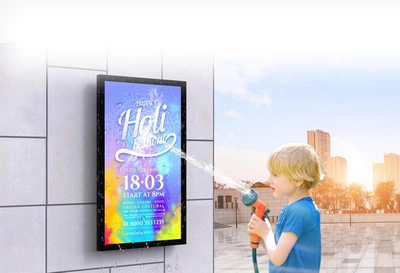
Outdoor passenger information displays require an IP65 enclosure rating (dust-tight, protected against water jets) and IK10 impact-rated tempered glass as a baseline. For coastal or monsoon-exposed sites, IP66 is recommended. Anti-graffiti coatings on the protective glass allow cleanup without solvents, keeping maintenance costs predictable.
4. 24/7/365 Always-On Operation
Passenger information displays at busy interchanges run continuously for years. LED backlamps rated for Up to 50,000 hours (~5.7 years continuous) are the industry baseline. Ambient light sensors automatically reduce brightness at night — cutting energy costs by 30–40% and slowing backlight aging. Industrial-grade power supplies with wide input ranges (AC 100–240V, 50/60Hz) handle the voltage fluctuations common at remote stops.
5. Real-Time Data Integration
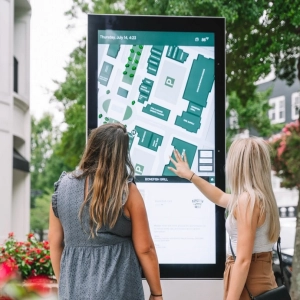
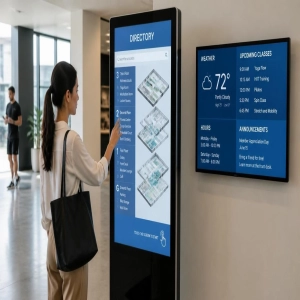
Passenger information displays with embedded Android or Windows-based media players connect to dispatch systems via Ethernet, Wi-Fi, or 4G/5G. Standard protocols — GTFS-realtime and SIRI — enable automatic schedule, delay, and alert updates. Multi-zone screen layouts show arrival times, service alerts, wayfinding maps, and safety messages simultaneously, all managed from a central CMS.
6. Stretch Bar Panels for Constrained Spaces
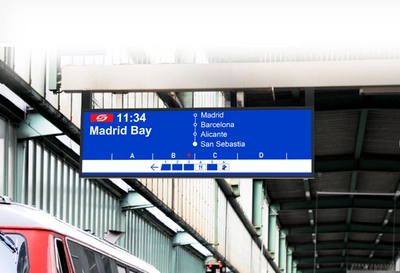
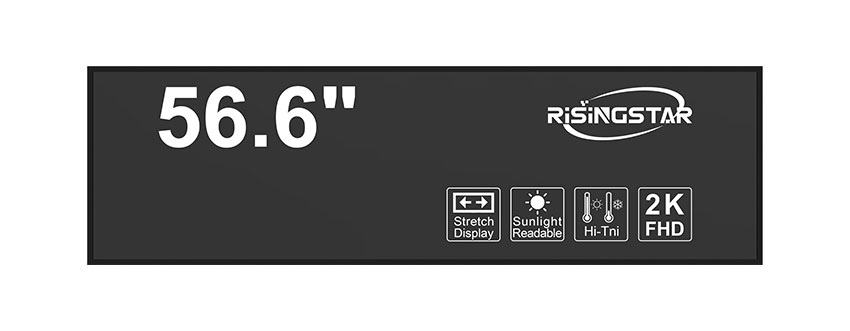
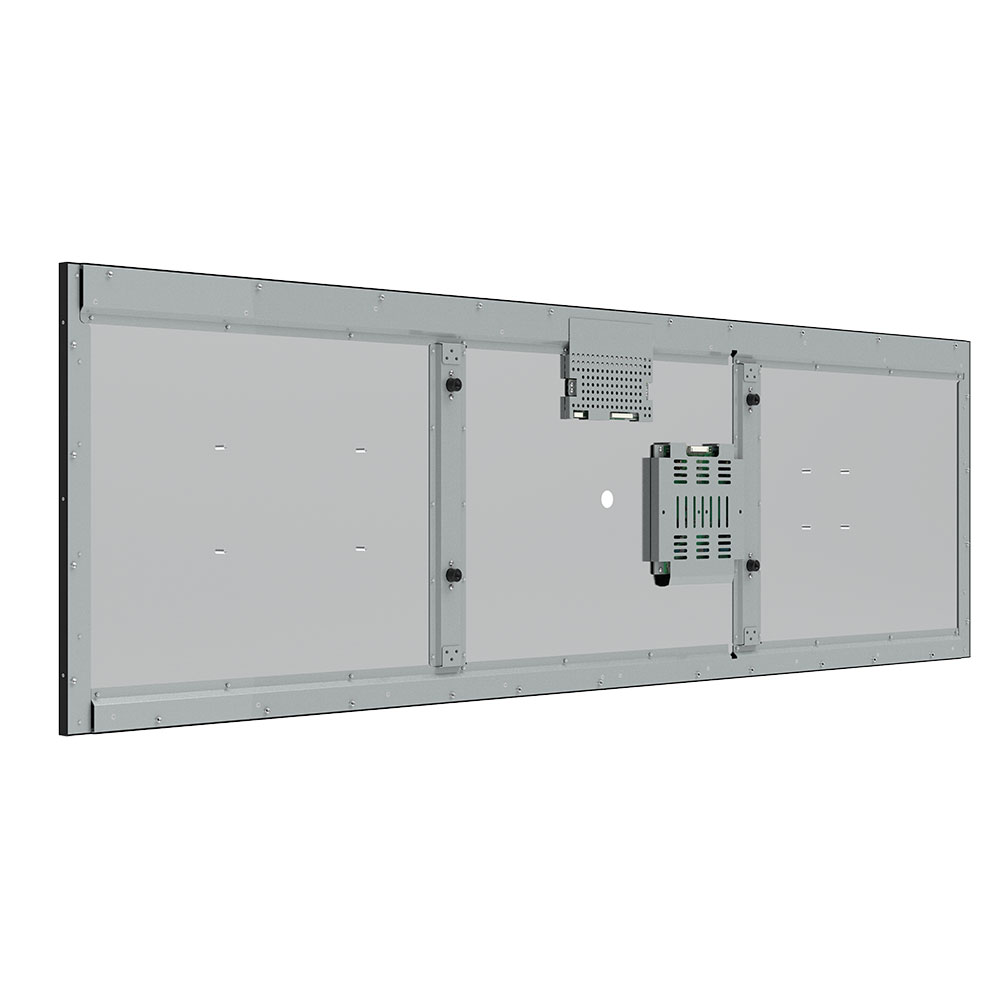
Stretch bar LCD panels — with resolutions like 3840×1080 and ultra-wide aspect ratios (32:9, 16:4.5) — fit where conventional screens cannot. Mounted above doorways, along platform edges, or inside shelter canopies, they display scrolling route data and multi-line departure information in a compact horizontal strip.
Passenger Information Display System Integration
Each passenger information display is a self-contained unit integrating:
High-brightness LCD panel with sunlight treatment
Embedded media player (Android SoC or Windows OPS module)
Environmental enclosure (IP65/66, IK10, thermal management)
Connectivity module (Ethernet, 4G, Wi-Fi)
Ambient light sensor for automatic brightness regulation
Displays connect to your dispatch platform (via GTFS-realtime or SIRI feeds) through a CMS that merges live data with scheduled content — route maps, service announcements, emergency templates. The CMS dashboard provides remote monitoring of display health including temperature, brightness, and connectivity status. This integrated, modular design means a single technician can install or swap a unit on-site without specialized AV knowledge.
Accessibility and Compliance
Passenger information displays in public transit must meet accessibility standards that vary by jurisdiction but share common principles:
ADA (Americans with Disabilities Act): Requires minimum font sizes relative to viewing distance, sufficient luminance contrast ratios (typically ≥3:1 per ADA signage guidelines), and mounting heights that accommodate wheelchair users.
EN 12966 (European Standard): Defines legibility requirements for variable message signs, including character height, luminous intensity classes (L1–L4), and viewing angle performance.
WCAG-Aligned Digital Content: For interactive kiosk-style displays, text contrast ratios of at least 4.5:1 and support for screen reader output via audio modules are increasingly specified.
Ensuring compliance at the specification stage avoids costly retrofits — and demonstrates to funding bodies that the deployment meets regulatory requirements from day one.
Selection Guide: Passenger Information Displays by Application
Size and Configuration
| Display Size | Application | Key Consideration |
|---|---|---|
| 10"–19" | In-vehicle next-stop panel | Low power draw, wide viewing angle |
| 21"–32" | Bus shelter arrival board | Compact IP65 enclosure, 1,500+ nits |
| 43"–55" | Platform departure board, wayfinding kiosk | Full HD/4K resolution, touch optional |
| 36"–49" stretch bar | Overhead route strip, shelter ceiling mount | Ultra-wide aspect ratio, narrow bezel |
| 65"–75" | Station hall main board, multi-route overview | High brightness + wide viewing angle (178° IPS) |
Specification Checklist
Before issuing an RFQ, verify these parameters against your deployment environment:
Operating temperature: –20°C to 70°C (reject anything rated above 0°C minimum)
Brightness: Match to the environment table above; request third-party luminance test reports
IP rating: IP65 minimum for any outdoor location; IP66 for coastal or monsoon-exposed sites
IK rating: IK10 for any ground-level, public-accessible installation
Panel technology: Solar-resilient IPS; confirm 178° horizontal/vertical viewing angles
Backlight lifespan: 50,000 hours minimum; request MTBF data
Connectivity: Ethernet (RJ45) standard; 4G/Wi-Fi for locations without hardwired network access
Certifications: CE, FCC, RoHS; UL or CB scheme for North American deployments
Recommended Passenger Information Displays
The following RisingStar passenger information displays are engineered for the transit scenarios described above:
Outdoor Bus Stop & Platform Displays
49" Bus Stop Information Display — 1920×1080, 4,000 nits, IP65/IK10, –20°C to 70°C. Purpose-built for 24/7 unsheltered transit stops.
55" Public Digital Signage Monitor — 1920×1080, 3,000 nits, fanless aluminum thermal design. Deployed as platform departure boards and station information screens.
32" Outdoor Waterproof Monitor — 1920×1080, 1,000–5,000 nits (configurable brightness), compact enclosure for shelter-mounted arrival boards.
Stretch Bar Displays for Constrained Spaces
43.8" Stretch Bar LCD Module — 3840×1080, 1,500 nits, 16:4.5 ultra-wide aspect ratio. Scrolling route and next-stop display in overhead or ceiling-mounted installations.
43.8" Stretch Digital Signage — 1,000 nits with integrated Android media player. High-traffic transit corridor and shelter ceiling applications.
Full Product Range
Browse our complete transit display portfolio: Bus Stop Information Display · Outdoor Waterproof Digital Signage · Stretch Monitor
Passenger Information Display Maintenance Best Practices
A well-specified passenger information display should deliver 5–7 years of service with minimal intervention. These practices protect that investment:
Quarterly: Clean protective glass and inspect ventilation paths. Use non-abrasive materials only. Check cable entry seals for degradation.
Annually: Measure luminance output and compare to commissioning baseline. Degradation exceeding 15%/year may indicate thermal management issues requiring investigation.
Continuous (remote): Displays with built-in environmental sensors report temperature, brightness, connectivity status, and power health to the CMS dashboard. Configure alerts for anomalies — a sudden temperature spike, for example, may indicate a blocked airflow path.
Spare parts: Stock replacement power supply units and protective glass panels at regional depots. Modular chassis designs allow a single technician to perform field replacements in under 30 minutes.
Frequently Asked Questions
Q: What brightness do passenger information displays need at outdoor bus stops?
A: Fully exposed outdoor locations require 2,500 nits minimum; 3,000–5,000 nits is recommended for installations facing south or west in high-latitude regions. Sheltered stops typically need 1,000–1,500 nits.
Q: How long do outdoor passenger information displays last?
A: LED backlamps are rated for 50,000+ hours — roughly 5.7 years of continuous 24/7 use. With automatic brightness management and proper thermal design, field lifespans of 7–10 years are achievable before major component replacement.
Q: Can passenger information displays pull live data from our existing dispatch system?
A: Yes. Any system publishing GTFS-realtime or SIRI feeds can be integrated directly. For proprietary dispatch platforms, a middleware adapter translates the data into standard formats consumed by the display's CMS.
Q: What's the difference between IP65 and IP66?
A: IP65 protects against low-pressure water jets; IP66 withstands high-pressure jets. Both are fully dust-sealed. IP65 covers most transit scenarios. Specify IP66 for coastal installations, monsoon-prone regions, or locations subject to regular pressure washing.
Q: Do stretch bar displays support the same brightness as standard panels?
A: Stretch bar panels are available up to 1,500 nits, which is suitable for semi-outdoor and covered installations. For fully exposed outdoor stretch applications, custom high-brightness configurations are available on request.
Q: What accessibility standards apply to passenger information displays?
A: In the U.S., ADA governs font sizing, contrast, and mounting height. In Europe, EN 12966 defines legibility and luminance classes for variable message signs. Most transit RFQs now also reference WCAG contrast guidelines for digital content.
Related Resources
Outdoor Waterproof Digital Signage
Sunlight Readable Digital Signage
Stretch Bar High Brightness LCD Panel
Window Facing High Brightness Display